Free public course · 33/40
Chapter 33: Task Lifecycle and Code as Communication
Lesson objectives
Required artifact: task-lifecycle state table
O1 · Can order needs scoping, in delivery and accepted / blocked by real transition conditions (artifact: task-lifecycle state table)
Evidence: The task-lifecycle state table orders needs scoping, in delivery and accepted / blocked by time or state
O2 · Can construct a task-lifecycle state table with entry and exit rules for every state or milestone (artifact: task-lifecycle state table)
Evidence: Every node in the task-lifecycle state table states an entry, exit and owner
O3 · Can manage a task lifecycle through entries, states, exits and block reasons (artifact: task-lifecycle state table)
Evidence: The artifact records one complete trajectory from scoping through acceptance or blockage
Before this lesson: Chapter 32: High Autonomy and High-Quality Delivery
Novice path
Chapter transfer task: Can manage a task lifecycle through entries, states, exits and block reasons. Use the diagram's timeline relationship to complete the first evidence item in the task-lifecycle state table, then check each owner and decision rule.
Experienced path
Apply this task to a current project before reading the explanation: Can manage a task lifecycle through entries, states, exits and block reasons. Submit the task-lifecycle state table, then check the relationship type, missing evidence and authority boundary.
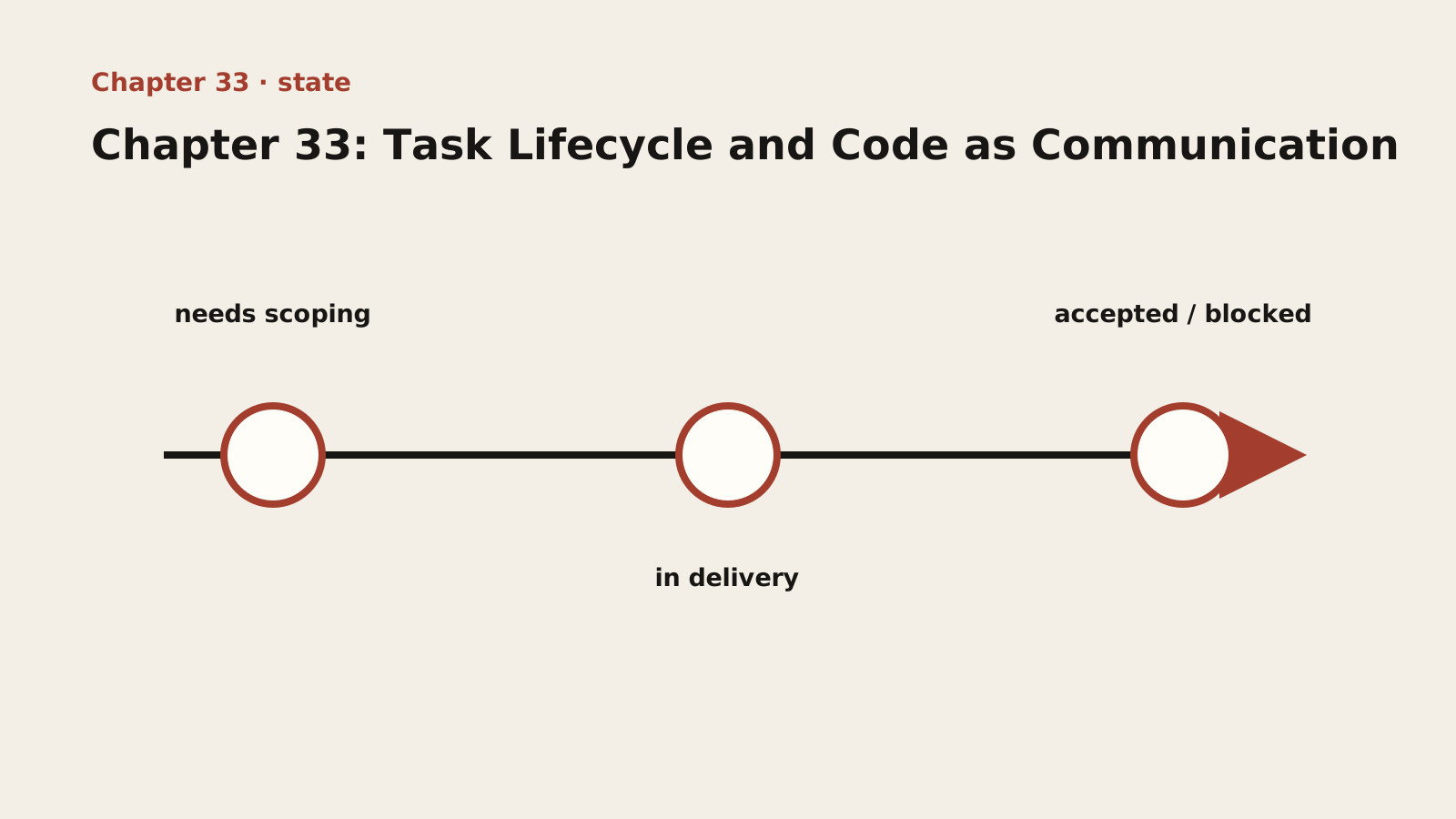
Diagram text description
A horizontal axis orders needs scoping, in delivery and accepted / blocked. Lines represent time or state transitions, but the next node opens only when exit evidence for the current node is complete; calendar time alone does not trigger advancement.
Relationship semantics: Nodes advance left to right through time or state only when exit conditions are met; elapsed time alone is not completion.
Adapted public course. Concepts, procedures and examples are adapted from the internal textbook. Case sizes, timings, improvement figures and target thresholds are illustrative, not site delivery results or universal standards. Verify tools, platforms and skills in your environment. Prompts do not grant permissions and retry counts do not authorize recovery. Preserve work and verify targets, sharing and external-state effects first.
Lesson explanation
33.1 Kanban-Driven Work: Make Progress Visible, Status Traceable
Kanban is the foundational infrastructure for high-autonomy team collaboration. Its core value: make progress visible, make status traceable.
In a high-autonomy environment, no one is watching over your progress from behind. Kanban replaces the “supervisor” and becomes the team’s shared “progress dashboard” — everyone can see at any time: what the team is working on, who is doing what, which tasks are blocked, and which tasks are done.
The basic Kanban columns: Todo → In Progress → Review/Test → Done. On top of these, a team can add a “Blocked” column as needed (for tasks that hit an obstacle and cannot move forward).
The basic principles of Kanban-driven work:
- All work goes on the board: every piece of work (feature development, bug fixes, technical debt cleanup, design tasks) should have a corresponding card on the board. A task without a card is a task that does not exist.
- Status must reflect reality: a card’s status must truthfully reflect the actual state of the work — drag it into “In Progress” when you start, into “Done” when you finish, and mark it “Blocked” with a reason when it is stuck.
- WIP limit (Work In Progress Limit): cap the number of in-progress tasks in each column to prevent “multi-tasking hell” — doing too many things at once means doing none of them well.
- The board is communication: progress sync does not require repeated “status reports”; the board itself is the most truthful progress report.
33.2 The Art of Labels: Quickly Aligning Context
As task cards multiply, labels (Label/Tag) become a powerful tool for quickly classifying, filtering, and aligning context.
Common label dimensions:
- Priority: P0 (handle immediately, urgent incident), P1 (high priority, complete soon), P2 (normal priority), P3 (low priority, can wait);
- Type: feature (new functionality), bug (defect), chore (housekeeping), refactor (refactoring), tech-debt (technical debt);
- Business domain: auth (authentication), payment (payment), checkout (checkout), user (user);
- Status semantics: blocked (blocked), needs-review (awaiting review), urgent (urgent), money (involves money, high risk).
The value of labels: a card labeled urgent + money + payment lets anyone who sees it immediately judge — this is an urgent, money-involving payment task that needs priority handling. Labels turn “context alignment” from “reading each card description one by one” into “scanning the label bar in one glance.”
Label discipline: the label system requires a shared team agreement and consistency. Do not overuse labels (too many labels is the same as none), and periodically clean up labels that are no longer used.
33.3 Task Ownership and Follow-Through: Who Initiates, Who Clarifies, Who Closes
A task’s journey from “idea” to “archive” requires clear answers to three questions: who initiates, who clarifies, and who closes.
- Who initiates (Initiator): the creator of the task. They are responsible for turning the idea into a clear task card (including background, goals, and acceptance criteria);
- Who clarifies (Clarifier): usually also the creator. When the implementer has questions about the task, they are responsible for clarifying the requirements, supplementing context, and resolving disagreements;
- Who closes (Closer): the implementer. They are responsible for completing the task and updating its status, while the creator is responsible for acceptance confirmation. Only a task that has been confirmed through acceptance can be marked “Done.”
Practical guidelines for ownership and follow-through:
- One task, one owner: every task card must have a clear Assignee (implementer). Tasks with “no one responsible” are not allowed.
- The initiator follows through to the end: the task creator is responsible for tracking the task’s progress until closure — they cannot “create the card and disappear.”
- Blockages must be reported: when a task is blocked, the implementer must immediately note the reason, impact, and help needed on the card, rather than waiting silently.
33.4 Branch Management: One Task, One Branch
“One task, one branch” is a fundamental discipline of code collaboration. It ties every code change to a specific task card, making merges, reviews, and rollbacks clear and controllable.
Branch naming convention (conventional commits style recommended):
Example type: reference. Reference fragment; it is not guaranteed to run alone. Adapt it to the lesson context, project versions and real interfaces, then validate with observed output.
feature/[ticket-id]-[short-description]    # Feature development
fix/[ticket-id]-[short-description]        # Bug fix
hotfix/[ticket-id]-[short-description]     # Urgent production fix (branch from master)
chore/[ticket-id]-[short-description]      # Maintenance/build/tools
refactor/[ticket-id]-[short-description]   # Refactoring
Examples: feature/TICKET-123-user-tagging, fix/TICKET-789-null-pointer-on-profile.
Branch discipline:
- One task, one branch: create the branch from the main development line (develop/master), matching it one-to-one with the task, and delete the branch after the task is completed and merged;
- Create branches from the correct main line: normal features branch from develop; production hotfixes must branch from master (the branch that represents production code) — because develop may contain other unreleased, unstable new features, and you do not want to drag unrelated risky changes into a hotfix;
- Small, incremental commits: keep commits within a branch small and clear; each commit tells one story (see 33.5);
- Pass review before merging: before a branch merges into the main line, it must pass CI checks plus code review (one task, one branch naturally focuses the scope of the review).
33.5 Commit Management: Let Every Commit Tell a Clear Story (Conventional Commits)
A commit is the “written record” of team collaboration — it is the smallest unit of code history and a projection of team culture onto the codebase. A team’s commit history should read like a well-structured diary, not a tangled mess.
Conventional Commits is a standardized specification for commit messages:
Example type: reference. Reference fragment; it is not guaranteed to run alone. Adapt it to the lesson context, project versions and real interfaces, then validate with observed output.
<type>(<scope>): <subject>

<body> (optional)

<footer> (optional, e.g. BREAKING CHANGE: ...)
Type categories:
| Type | Meaning | Example |
|---|---|---|
| feat | New feature | feat(auth): add phone number login |
| fix | Bug fix | fix(payment): fix payment order-dropping issue |
| refactor | Refactor (no behavior change) | refactor(user): extract user data-fetching logic |
| docs | Documentation change | docs: update README |
| test | Testing | test(discount): add anniversary discount test cases |
| chore | Build/tooling/housekeeping | chore: upgrade dependency versions |
| style | Formatting (no logic change) | style: unify code indentation |
| perf | Performance optimization | perf(orders): use SQL aggregation instead of in-memory computation |
The value of Conventional Commits:
- Make history readable: anyone scanning git log can quickly understand the intent of each commit — does it add a feature, fix a bug, or refactor?
- Automated Changelog generation: based on commit types, a clear version change log can be generated automatically;
- Enable automation: semantic version numbers can be computed automatically from commit types (feat bumps minor, fix bumps patch, BREAKING CHANGE bumps major).
Good commits vs. bad commits:
Example type: reference. Reference fragment; it is not guaranteed to run alone. Adapt it to the lesson context, project versions and real interfaces, then validate with observed output.
❌ Poor commits: `fix stuff` / `update` / `changes`
✅ Good commit: `fix(payment): fix duplicate charges from concurrent orders`

❌ Poor commit (mixing several changes): `add auth and fix bugs and refactor user service`
✅ Good commit (one story per commit): `feat(auth): add JWT refresh tokens`
33.6 Releases and Changelog: Semantic Versioning
Semantic Versioning (SemVer) is the standard specification for version numbers, in the format MAJOR.MINOR.PATCH:
- MAJOR (major version): incremented on incompatible API changes (e.g., 1.0.0 → 2.0.0);
- MINOR (minor version): incremented when backward-compatible features are added (e.g., 1.0.0 → 1.1.0);
- PATCH (patch version): incremented on backward-compatible bug fixes (e.g., 1.0.0 → 1.0.1).
The value of Semantic Versioning: it communicates the “risk level” of a change to everyone (including other teams that depend on your system) — seeing a MAJOR version change, you know there may be incompatible changes; seeing a PATCH change, you know it is a safe fix.
The Changelog is the “internal sync and external announcement” of a release:
- Internally: team members use the Changelog to understand what each release contains and quickly pinpoint “which version fixed this bug”;
- Externally: downstream dependents use the Changelog to assess upgrade risk and decide whether they need to adjust their code.
Changelog conventions:
Example type: reference. Reference fragment; it is not guaranteed to run alone. Adapt it to the lesson context, project versions and real interfaces, then validate with observed output.
## [2.1.0] - 2026-08-15
### Added
- Support phone-number login
### Fixed
- Fix lost payment orders
### Changed
- Upgrade dependency versions
Where the Changelog meets AI collaboration: remember chapters 13-14? CHANGELOG.md is the AI’s “voyage log” — it is how the AI restores context after every /clear. It is both a version record for humans and a “project state snapshot” for the AI. A well-formed Changelog serves two goals at once: “human collaboration” and “human-AI collaboration.”
Release process (drawing on the canary-release SOP from chapter 24):
- Merge all changes into develop and run the full test suite;
- Update the Changelog, clearly stating the changes in this release;
- Create a release branch and deploy to the canary environment for verification;
- Once the canary passes (confirmed by two people), roll out to everyone;
- Tag the release (e.g.,
v2.1.0) as a rollback baseline.
Part Ten complete. You have now mastered the complete system of team collaboration and delivery culture: asynchronous first, public by default (say goodbye to “are you there?”, information-saturating communication, the value of public channels), high trust without monitoring (predictability matters more than capability, “everything gets a response,” the first-message rule for bad news, the SBI-I difficult-conversation model), high autonomy and high-quality delivery (output-oriented rather than online-oriented, clear boundaries and a shared blueprint via OKR, from executor to owner, respect for production and data red lines, the 15-minute rule), and the task lifecycle and code as communication (Kanban-driven work, the art of labels, task ownership, one task one branch, Conventional Commits, Semantic Versioning and the Changelog).
Now, let us move on to Part Eleven: Team Onboarding and Continuous Evolution. There, the methodology will grow from one team’s culture into a replicable onboarding roadmap and training system.
Independent exercise
Use fictional or authorized deidentified material. Answer independently before revealing the reference. Save chapter-33.md with versions, decisions, evidence and gaps.
Create a task card for an unknown fix with state exits, branch, commit message, review summary and changelog. Identify separately authorized operations.
Required chapter artifact: task-lifecycle state table
The submission for this independent exercise must contain the evidence below. The existing prompts supply content but do not replace these acceptance items.
- O1: The task-lifecycle state table orders needs scoping, in delivery and accepted / blocked by time or state
- O2: Every node in the task-lifecycle state table states an entry, exit and owner
- O3: The artifact records one complete trajectory from scoping through acceptance or blockage
Reveal reference feedback (answer first)
Reference feedback
Describe symptoms, scope and fixed checks; explain why behavior changes; attach actual results and risks to review. Completion requires artifacts and checks, not code alone. Follow existing authority for pushes, merges, notifications and deployment; status transitions do not grant permission.
Self-review and next steps
Check whether your decision is explicit, evidence reproducible and unknowns honestly recorded. The reference illustrates one defensible approach, not a unique answer. Seek peer review for alternatives with equivalent evidence. Mark unsupported parts unfinished and revisit the corresponding step.
Sources and boundaries
Registered sources support only the external claims used here. The task-lifecycle state table, example numbers and exercise scenario are internal instructional design and require project-specific validation.
- Git reference
Git project · 2026-09-17 · Versions, branches, commits and recovery operations must be verified against repository state.
- GitHub Actions documentation
GitHub · 2026-09-17 · Repository workflows can automate build, test and continuous-integration tasks.
Record lesson practice
Only a browser self-check is saved. No work is uploaded, reviewed or certified. Keep evidence and gaps in your own chapter file.